

Bitaqa or paper cards: what changes
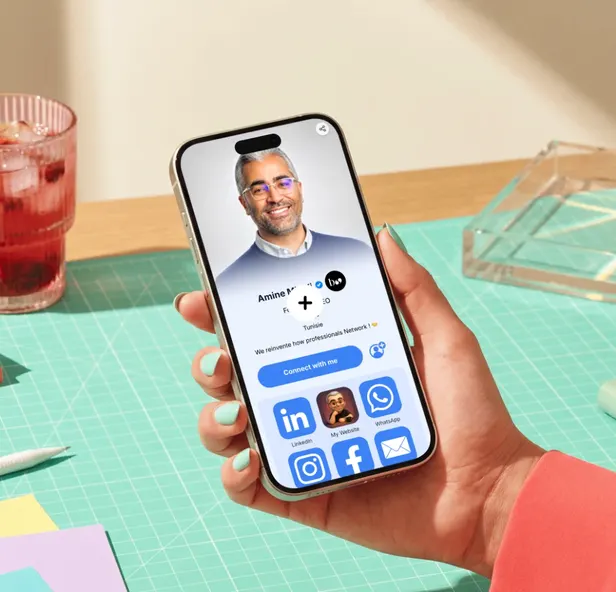
A paper card is still a simple gesture. Bitaqa keeps the gesture and fixes what it forgets: details that change, contacts that get lost and boxes to reprint.
Nine differences that matter
A contact's journey
A box of 500 paper cards
- 120 DTroughly, bought again with every change
- 0.82 kgof printed board
- 33 Lof water to make that board
Paper-making figures (Cepi 2025 averages), printing and transport excluded. Calculate your team's impact
You don't have to throw it all away
Print your QR code
Download your profile's QR code and add it to your existing cards: they then lead to a profile that's always up to date.
Still a physical card
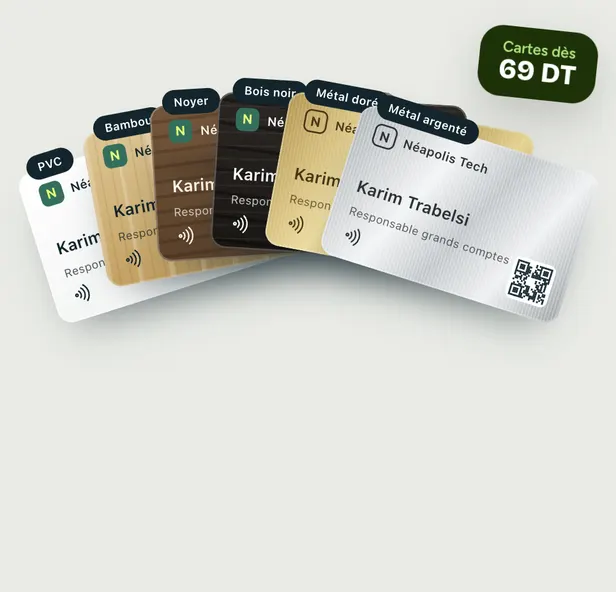
The Bitaqa NFC card is handed over like a business card. It also carries a QR code for phones without NFC.
Try it free
The Free plan includes a digital card, the QR code and the contact form. Move to Pro when your team needs it.
Does my contact need to install an app?
No. Your profile opens in the phone's browser after an NFC tap, a QR code scan or a click on your link. They save your contact in one click.
What happens if I change jobs or numbers?
You edit your profile online. The NFC card and the QR code always lead to the same profile: nothing to reprint.
Which phones read NFC cards?
Recent iPhones and the vast majority of Android smartphones read NFC with no app. On a phone without NFC, just scan the QR code printed on the card.
How much does going digital cost?
The digital card is free on the Free plan. The NFC card is paid once, with no subscription. The Pro plan costs 5 DT excl. VAT per user per month, billed yearly.
Your next card won't end up in a drawer
Create your free digital card, then pick an NFC card if you want to hand it over.